-
Glass cut to measure
I select the model
- Glass panels by brand
-
Seals
How do I find my gaskets?


















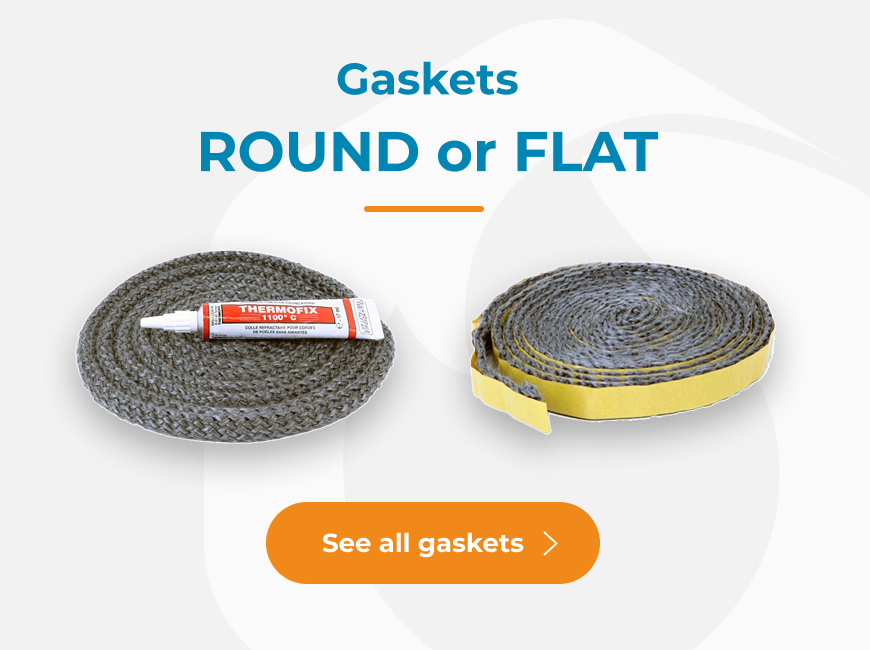

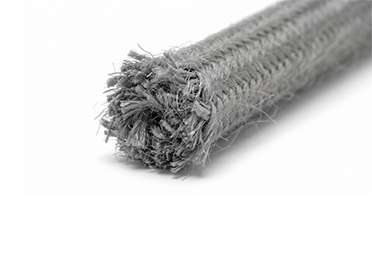
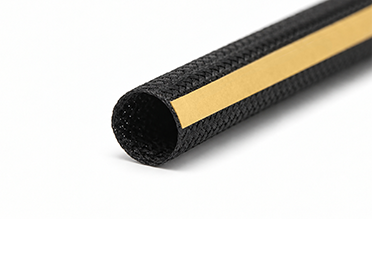
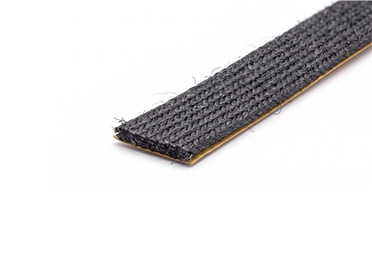

I search for my window
or
I order
I’d like a quote before ordering
Create a quote from a product page
1️⃣ Log in to your account (top right of the homepage).
2️⃣ Choose the desired glass.
3️⃣ Enter the dimensions.
4️⃣ Click on “Create a quote”.
5️⃣ Add your address and information.
6️⃣ Click on “Save”.
7️⃣ Your quote is saved in your browser’s downloaded files.
Create a quote from the cart
1️⃣ Log in to your account (top right of the homepage).
2️⃣ Select the desired glass.
3️⃣ Enter the dimensions.
4️⃣ Add the product to the cart.
5️⃣ Click on « Order ».
6️⃣ At the bottom of the cart page, click on « Save a quote ».
7️⃣ Add your address.
8️⃣ Click on « Save ».
9️⃣ Your quote is saved in your browser’s downloaded files.
Loading...
check_circle
check_circle